Church Communication Guide
How to Plan a Week of Daily Devotionals on WhatsApp in One Sitting
The Message You Forgot to Send This Morning
It's Saturday night, and you're typing tomorrow's devotional into your phone in the dark, because you forgot again. You'll do the same thing Monday morning. By Wednesday you'll skip a day. Nobody complains, but you notice, and you feel it every time you open the app. Somewhere in the back of your mind is a list of people who count on that message to start their day, and you're sending it whenever you get a spare minute.
Why the Usual Way Breaks Down
The problem isn't the writing. It's that a daily devotional needs a daily decision. Every morning you have to remember it, find the message, and send it before people start their day. That's seven small decisions a week on top of everything else you're carrying. Some weeks you make all seven. Most weeks you don't.
Group chats make it worse. When you post a devotional into a group, it scrolls away under replies and side conversations. The people who read it quietly never say anything, so you have no idea who it reached. And when someone replies with a prayer request, it's mixed in with everything else and easy to lose.
Timing slips too. A devotional that lands at 6:30 AM hits differently than one that lands at noon. If you're sending by hand, the time depends on when you're free, not on when people need it. After a few weeks of that, the whole thing starts to feel like one more thing you're behind on.
How to Do It With MsgOrb on WhatsApp
With MsgOrb, you write the whole week in one sitting, and each message goes out on its own morning, to each person privately. Here's how to set it up:
- Under Automations, open Organisation and choose Church. This tells MsgOrb what kind of messages you're sending, so the right options are in front of you instead of buried somewhere you have to hunt for.
- Pick the group you're writing to. For a daily devotional, that's usually a group named something like Daily Devotional. A group in MsgOrb is a contact list, not a WhatsApp group chat. That matters, because it means every message goes to each person on their own, not into a room where everyone sees everyone.
- Write the day's message. You can add each person's first name with the + Person's name button. So instead of a generic greeting, Marcus opens his phone and sees "Good morning, Marcus." That one small thing is the difference between a broadcast and a note.
- Under Delivery, choose Schedule for Later and set the morning time. Pick the hour you want people to wake up to it. For most churches that's somewhere between 6:00 and 7:30 AM. Once it's set, you don't have to be awake for it, and you don't have to be near your phone.
- Create it, then do the same for each day of the week. Sunday through Saturday, one message at a time. It sounds like work, but you're doing in forty minutes what you'd otherwise do across seven separate mornings, and you're doing it while you're already thinking about it instead of trying to remember it later.
- Check each one in Campaigns before it goes. Every scheduled message shows up there. If Thursday's reading doesn't feel right, or you want to change a line, you can edit it or cancel it before it sends. Nothing goes out until you've had a chance to look at it twice.
- For a message that's the same every day, use Repeat. A short prayer reminder or a standing verse doesn't need to be rewritten each week. Set Repeat: Daily, or pick only the days you want, and it keeps going on its own. Repeating messages need a Meta-approved template, so that part is a one-time setup you do before the first one sends.
A word on that last step: messages to people who haven't messaged you in the last 24 hours need a template that Meta approves first, usually within 15 to 30 minutes. You set this up once, before you start. Your people never wait for anything, and nobody on the receiving end sees a delay.
What Your People Receive
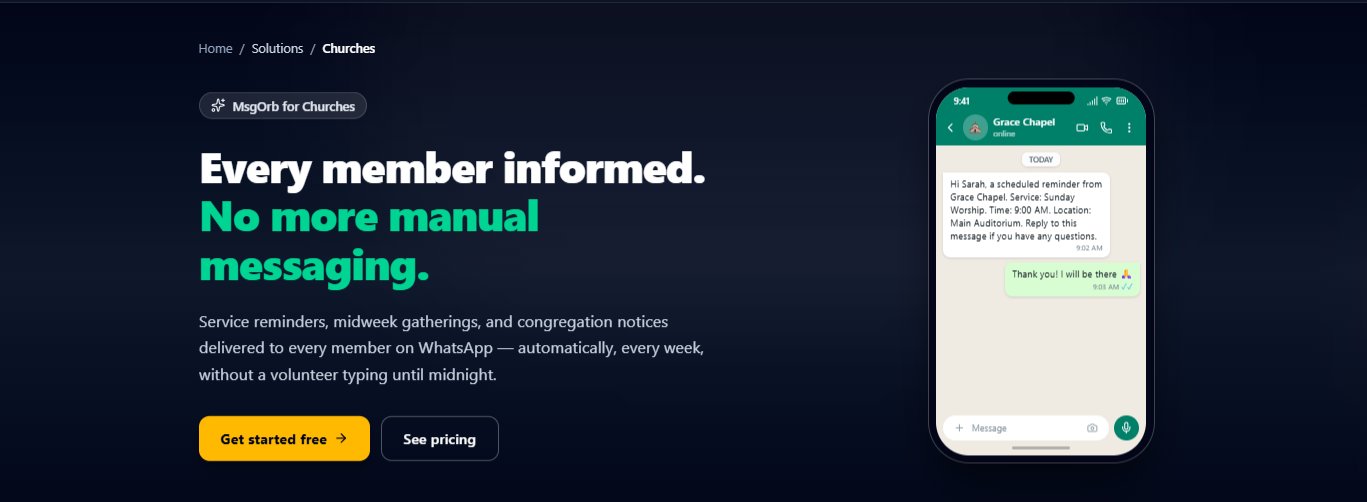
Each message goes out privately on WhatsApp, with their first name in it. Here's what Monday morning looks like on Marcus's phone:
Good morning, Marcus.
"Let us not become weary in doing good, for at the proper time we will reap a harvest if we do not give up." — Galatians 6:9
Whatever you're carrying into this week, don't put it down yet. Have a good Monday.
Marcus reads it with his coffee before anyone else in his house is awake. He doesn't have to open a group, scroll past replies, or wonder whether today's message came. It arrived, it has his name on it, and it's sitting at the top of his chat list. On Wednesday, when the message is about patience, he reads it twice and forwards it to his sister.
What Changes for You
You stop making the same decision every morning. The week is already written, already scheduled, already waiting. When Sunday comes around again, you sit down once, write the next seven, and you're done. A daily task turns into a weekly one, and the thing you kept forgetting stops being something you can forget.
You also get the timing back. Every message lands at the same hour, whether you're at breakfast, in a meeting, or still asleep. That steadiness is what people start to count on. It's what makes a devotional feel like part of the day instead of something that shows up whenever you finally get to it.
And you stop wondering whether it went out. Campaigns shows you every scheduled message, so you can see what's coming and what's already gone. If you need to change Thursday, you change Thursday. Nothing slips because you were busy, and nothing lands in a group chat where it gets buried under a dozen other replies.
The best part is what it does for the writing itself. When you're not writing under pressure every single morning, you write better. You have time to think about what the week needs, instead of what you can send in the next five minutes.
Ready to Try It?
You can set up your first devotional group, write a week of messages, and schedule them for free. Visit www.msgorb.com to create your free account. One sitting is enough to get a full week ahead.