Guides
How to Send a Payment Link on WhatsApp and See Who Has Paid
Send a payment link on WhatsApp for fees and dues, see who has paid, and stop reminders automatically once they pay. A simple guide for organizers.
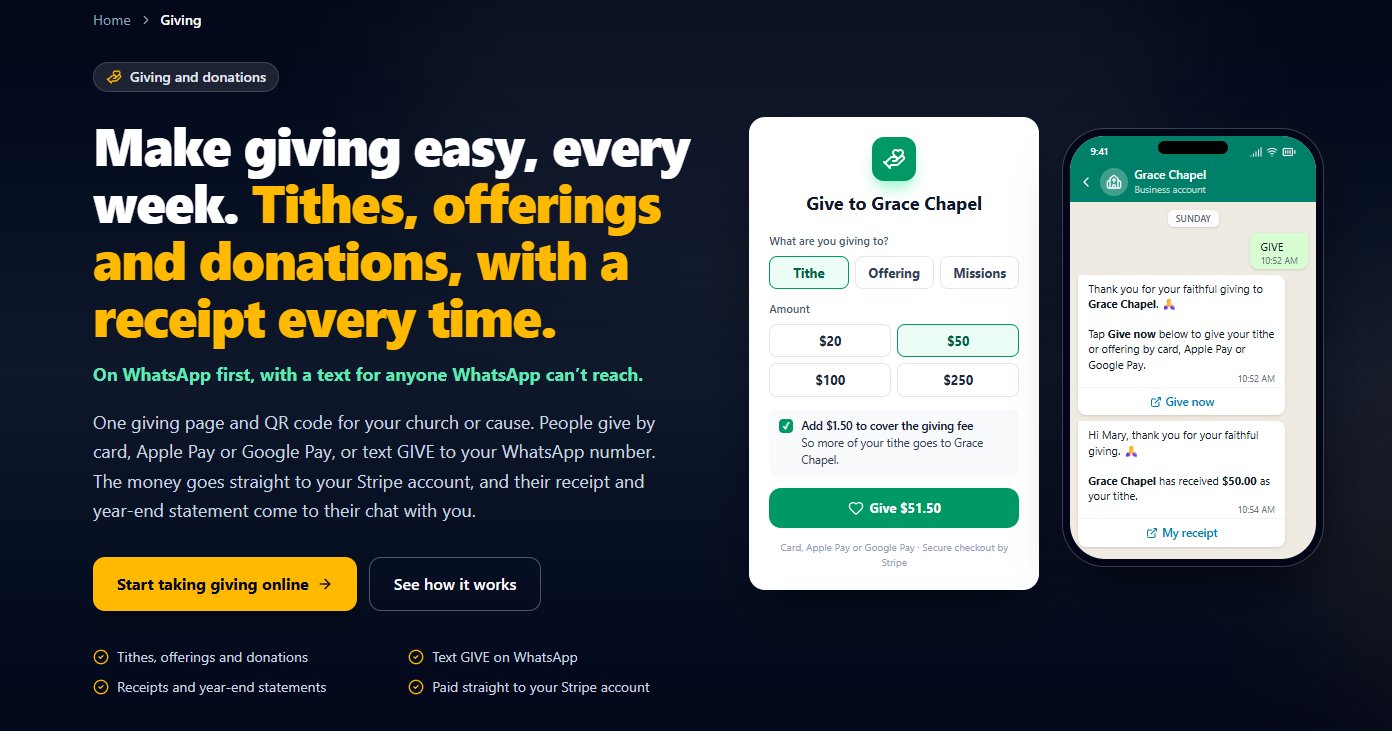
Collecting fees by Venmo, Zelle or cash works until you need to know who has paid. Then you are checking bank apps, reading old messages and asking people in person, which takes hours every term. For a choir fee, a membership year, or a class fee, that tracking is the hardest part of the job.
The good news is that you can send a payment link straight to each person on WhatsApp, the app your members already read, and see a list of who has paid without keeping a spreadsheet. The reminders can also stop automatically once someone pays. This guide explains the general approach, what you can do with tools you already have, and how to do it with MsgOrb, using send payment link on whatsapp as the core method.
Why manual payment tracking breaks down
Most organizations start with a simple plan: post a Venmo handle in the group chat and ask people to write "paid" when they send money. The problems show up quickly:
- People pay but forget to say so, and you chase them anyway.
- Cash and checks do not appear in any app, so the list lives in someone's head.
- A member who pays twice, or pays the wrong amount, is hard to spot.
- Reminders go to everyone, including the people who already paid, which annoys them.
Tools you already have, such as a WhatsApp group or a broadcast list, can announce a fee, but they cannot tell you who completed a payment. A WhatsApp group also does not let you send a private, personal link to each person, and a broadcast list is limited in size (see our article on the broadcast list limit for details). For anything that needs a record, you need a system that connects each payment to the person who made it.
What to look for in a payment link system
Before you choose a method, check for these things:
- A personal link for each person, so you know who paid.
- A payment record that updates when the money arrives.
- Reminders that stop for people who have paid.
- Money that goes to your organization directly, not through a third party holding it.
How to do this with MsgOrb
MsgOrb sends WhatsApp messages from your organization's own WhatsApp Business number. Two features cover fee collection: Program Fees (for classes, camps and trainings) and Membership Dues (for monthly or yearly memberships). Both send each member a pay link, show who has paid, and stop reminders when they pay. Payments run through Stripe, straight into your organization's own Stripe account, and MsgOrb never holds the money.
Step 1: Connect your payment account. Connect your organization's Stripe account in the dashboard. Payments are deposited into your Stripe account, not into MsgOrb's.
Step 2: Set up the fee. Open Program Fees for a class, camp or training, or Membership Dues for a recurring membership. Enter the amount, choose whether it is paid in full or in 2 to 4 monthly parts, and select the group the payment applies to.
Step 3: Send the payment request. MsgOrb sends each member a WhatsApp message with a pay link. This uses an approved template, such as the payment request template. Submit the template to Meta once, and reuse it for future fee drives.
Step 4: Watch who has paid. The fee's page shows each person's status, so you can see at a glance who has paid and who has not. You no longer need to check bank apps by hand.
Step 5: Let reminders do the chasing. Installment reminders are sent 3 days before each part is charged automatically to the saved card. When someone pays, their reminders stop. Membership renewals that fail send a link to update the card.
Program Fees and Membership Dues each charge 2% + $0.50 per payment, paid by the member. Stripe's own processing fee comes out of your payout. The member's card is saved for later installments or renewals, so you do not need to collect payment again each time.
For a step-by-step guide to a class-based fee, see how to take payments for a class or workshop on WhatsApp, and for recurring fees, how to collect membership dues on WhatsApp.
Example message
Hi Emily, this is Riverside Community Choir. Your fall season fee of $120 is due by Friday, November 14, 2026. You can pay securely here: [pay link]. Thank you! Reply STOP to opt out of messages.
Tips for a smoother fee drive
- Send the first request at least two weeks before the deadline, so people have time to pay.
- Keep the amount and the due date in the first line of the message.
- Use the payment record to answer questions. When someone says "I already paid," check the list before you reply.
- For a school field trip with permission details, see how to collect field trip payments and permission details on WhatsApp.
Frequently asked questions
Do members need to install anything to pay? No. They receive the pay link in their normal WhatsApp and pay by card on the page it opens.
Where does the money go? Directly to your organization's own Stripe account. MsgOrb does not hold or move the money.
What if someone pays in cash or by check? Cash and check payments are not tracked by a card link. Record them manually on the member's record, or ask those members to use the card link.
Can I refund a payment? Yes. Refunds are made in your Stripe dashboard.
Ready to stop tracking payments by hand? Try MsgOrb free at MsgOrb.